

What Is Perplexity?
6 Things to Try When You’re Just Getting Started

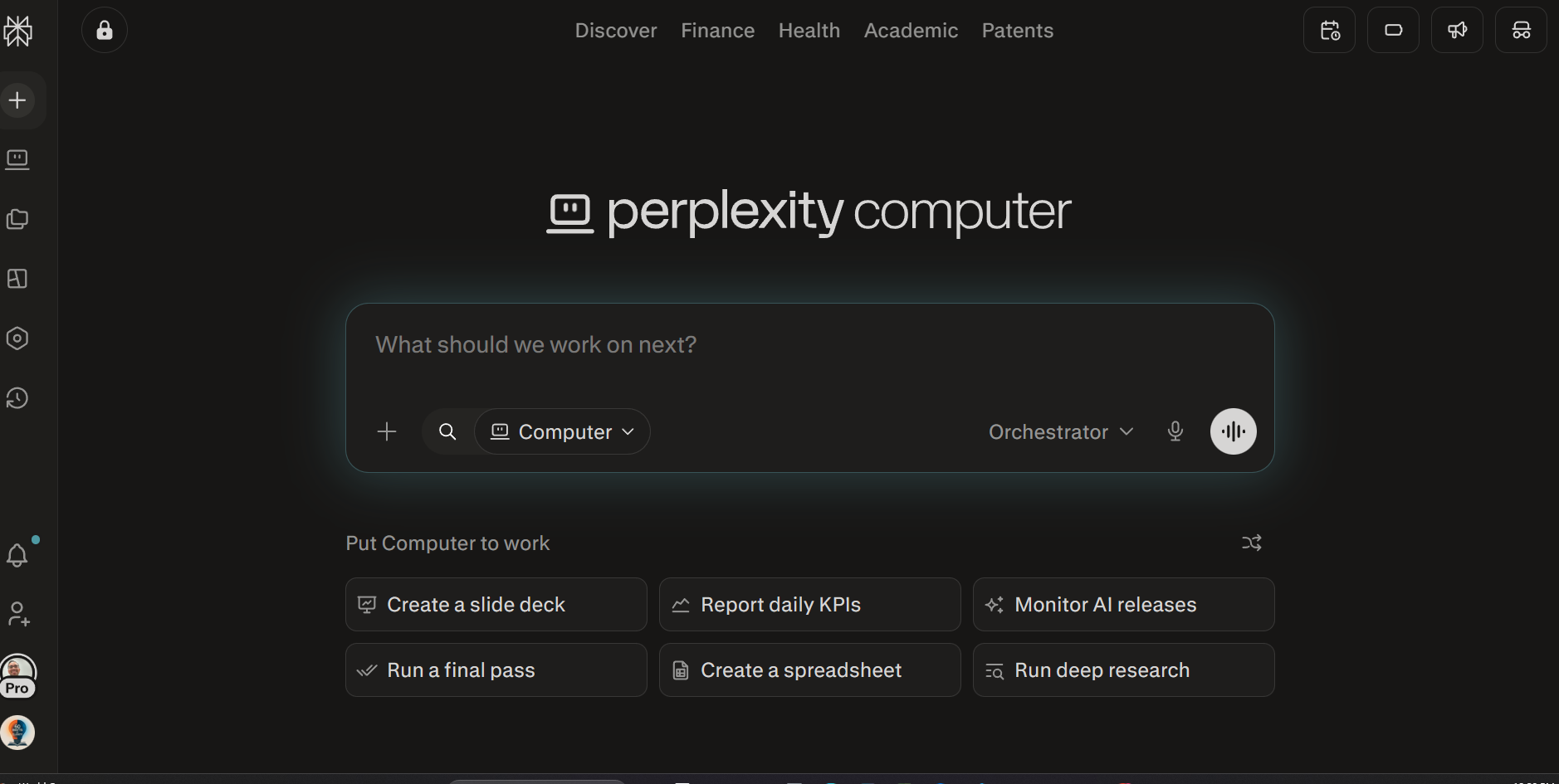
Perplexity is an AI-powered search engine founded in 2022 and one of the most widely used AI tools available today. Unlike a traditional search engine that returns a list of links, Perplexity reads those sources in real time, synthesizes the information, and delivers a direct answer with numbered citations embedded in the response. What makes it different from other AI tools is that Perplexity uses an AI-powered web search that searches for live sources. This may sound similar to Google, yet Perplexity has additional features that help users scaffold work at their own pace.
Perplexity offers a free plan to get started, a Pro plan at $20 per month, and an Enterprise plan for organizations that need team controls and stronger privacy protections.
Here are six features worth exploring as you get started.
1. Ask a Question in the Chat Bar
When you open Perplexity, you will see a chat bar at the center of the screen. Type any question into it and Perplexity will return a direct answer. Below the answer, you will see numbered citations linked to the sources Perplexity used, and you can click any of them to read the original material. From there, the conversation is iterative — you can ask follow-up questions in the same thread and Perplexity will build on what was already discussed.
Before you submit a question, you can also choose the type of search you want Perplexity to run. Options include searching the general web, academic articles, social media, news, and more, so you can target the kind of source that actually fits what you are looking for. You can also upload files like PDFs or documents directly into the chat, and Perplexity will read and reference them as part of its answer.
2. Organize Your Work with Spaces
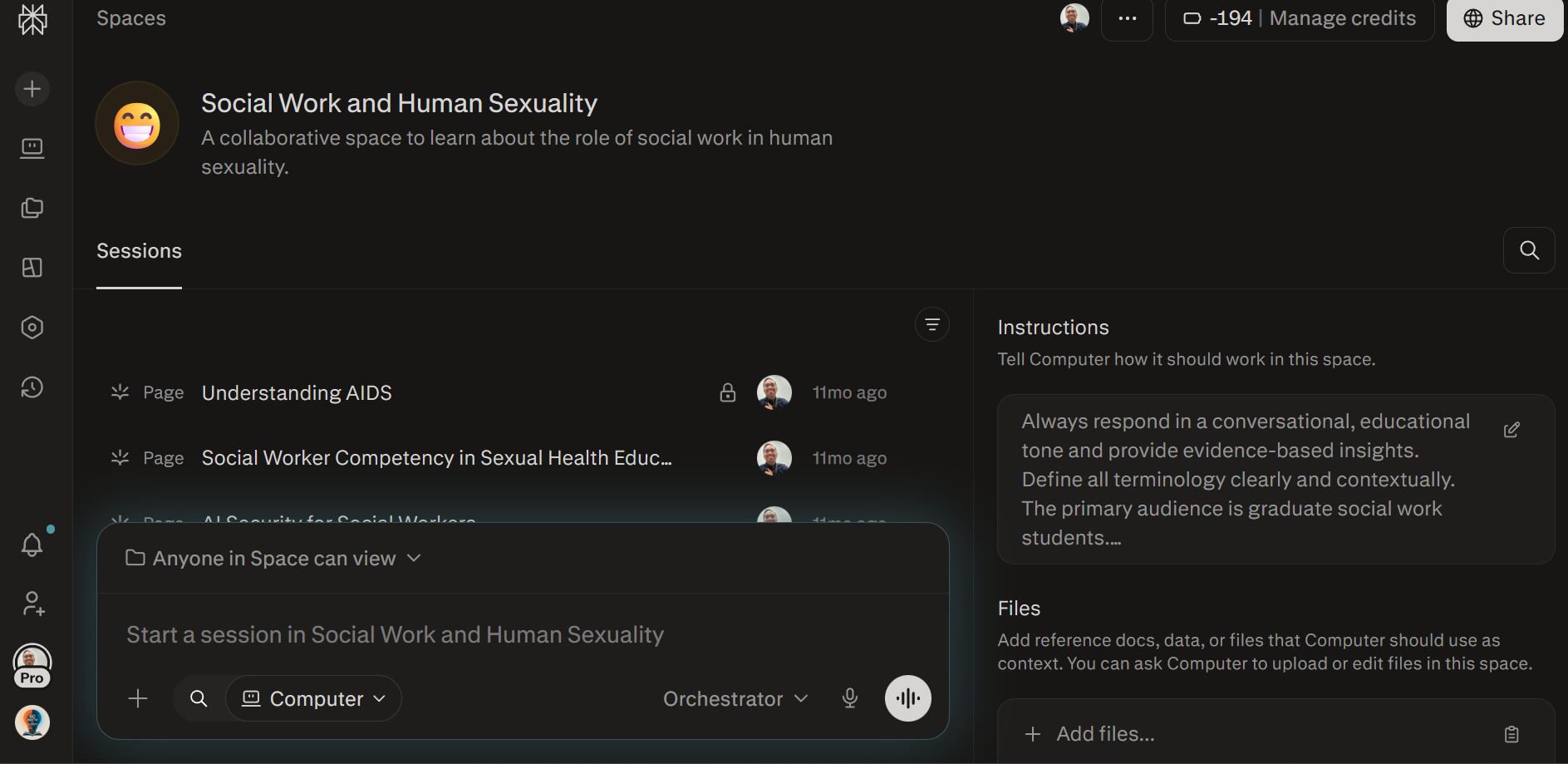
As your use of Perplexity grows, Spaces become an essential tool for staying organized. A Space is a dedicated area where you can gather searches, uploaded files, notes, and conversations all around a single topic or project. Whether you are conducting research, building a curriculum, or tracking a long-term project, Spaces allow you to return to your work without losing the context you have already built.
I use this for my Graduate Human Sexuality course. Students can come here to access additional reading materials to support the course.
3. Connect Your Existing Tools with Connectors
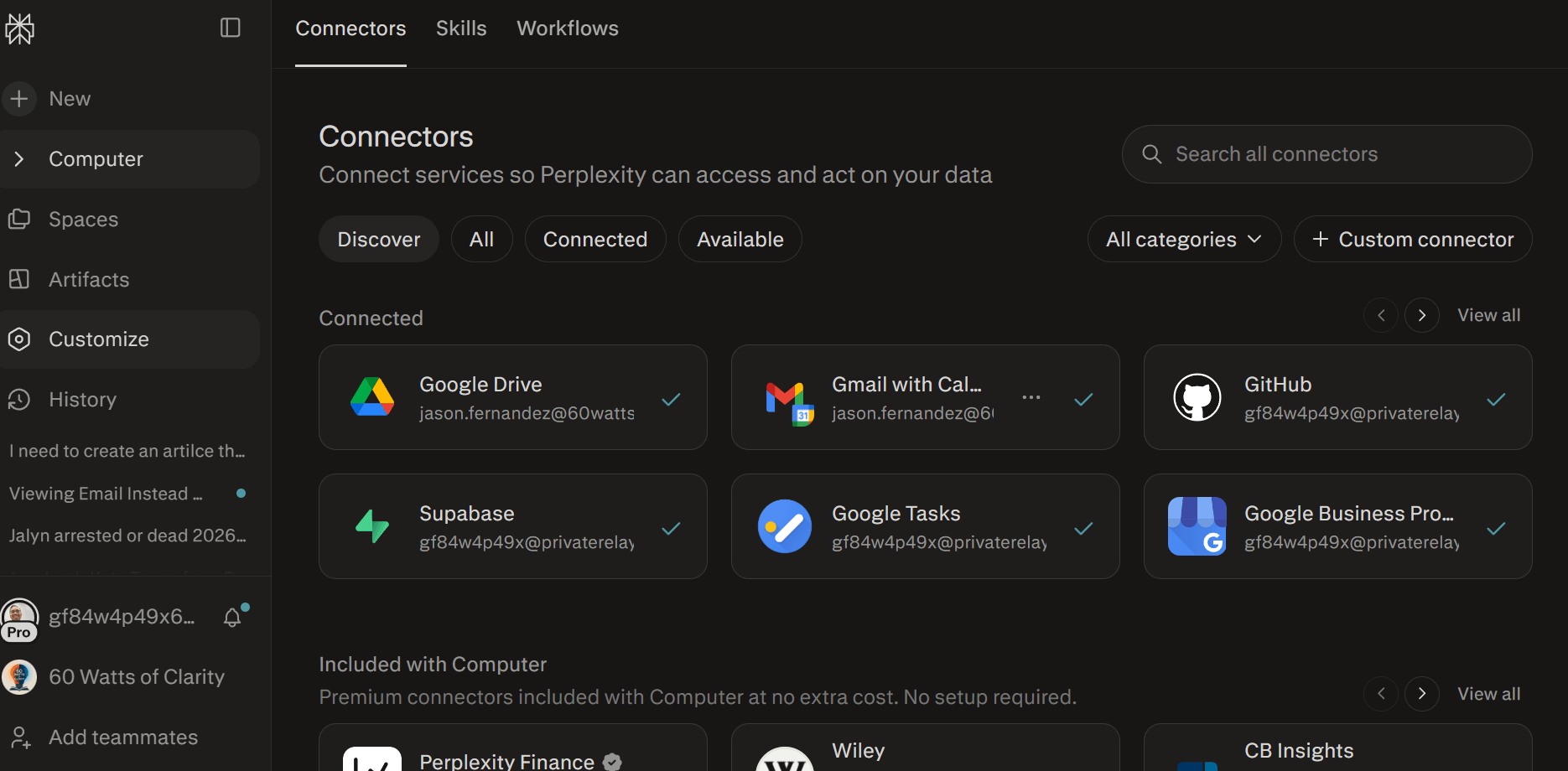
Connectors are links between Perplexity and other apps or services you already use. This allows you to store information Some of the most useful connectors include Google Drive, Gmail, and Google Calendar. Google Drive lets Perplexity access your files, Gmail lets it look through your emails, and Google Calendar lets it help with your schedule. You can now ask Perplexity to pull your files, read emails, and manage your calendar
4. Choose the AI Model That Fits Your Task
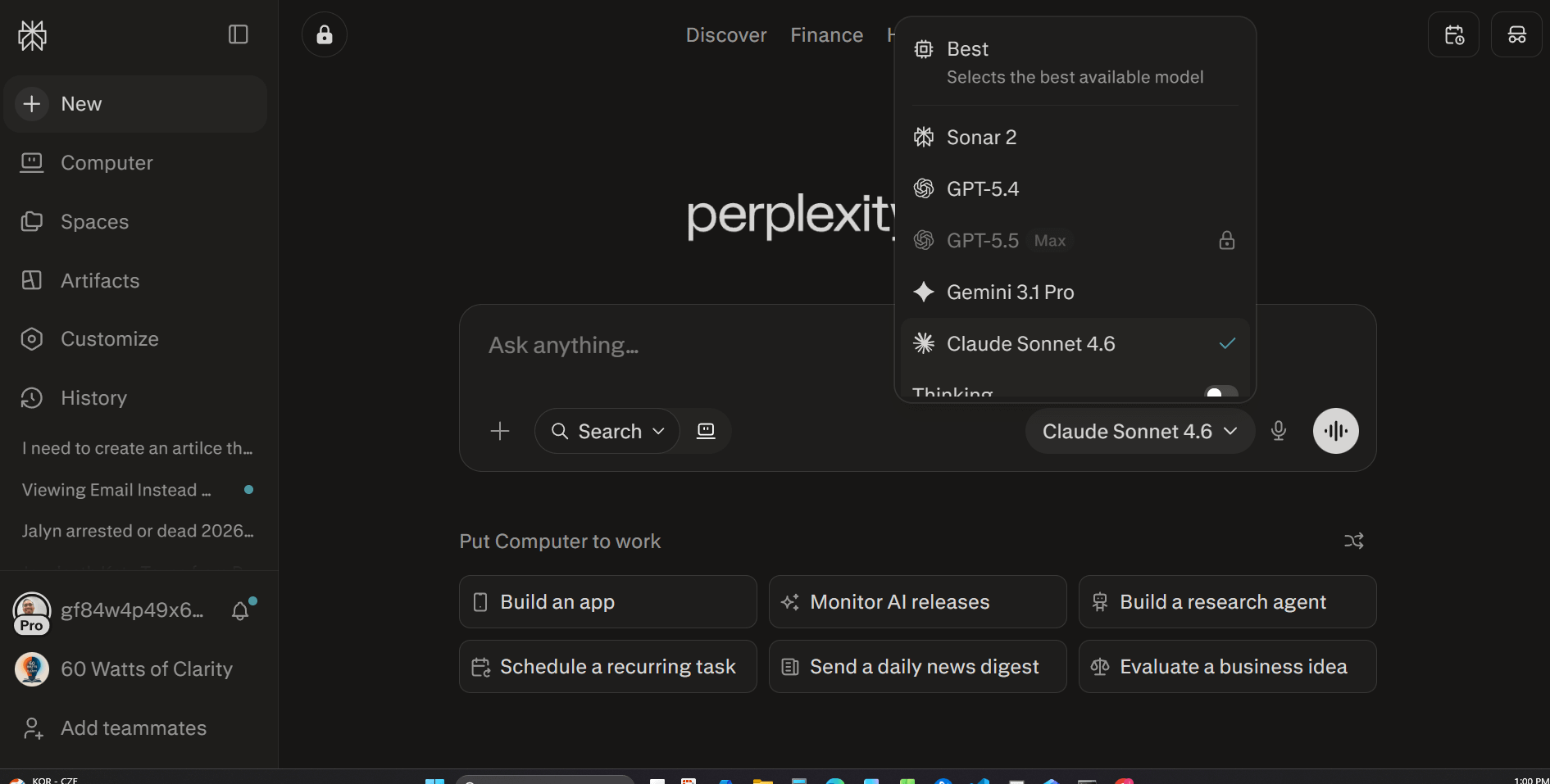
One of Perplexity’s more distinctive features is the ability to choose which underlying AI model generates your response. You may recognize names like GPT or Claude — each has different strengths depending on what you need, whether that is a detailed analysis, a polished draft, or a fast and concise answer. Free users have access to a standard model, while Pro and Enterprise users can switch between several advanced models depending on the task at hand.
5. Use It for Academic and Professional Research
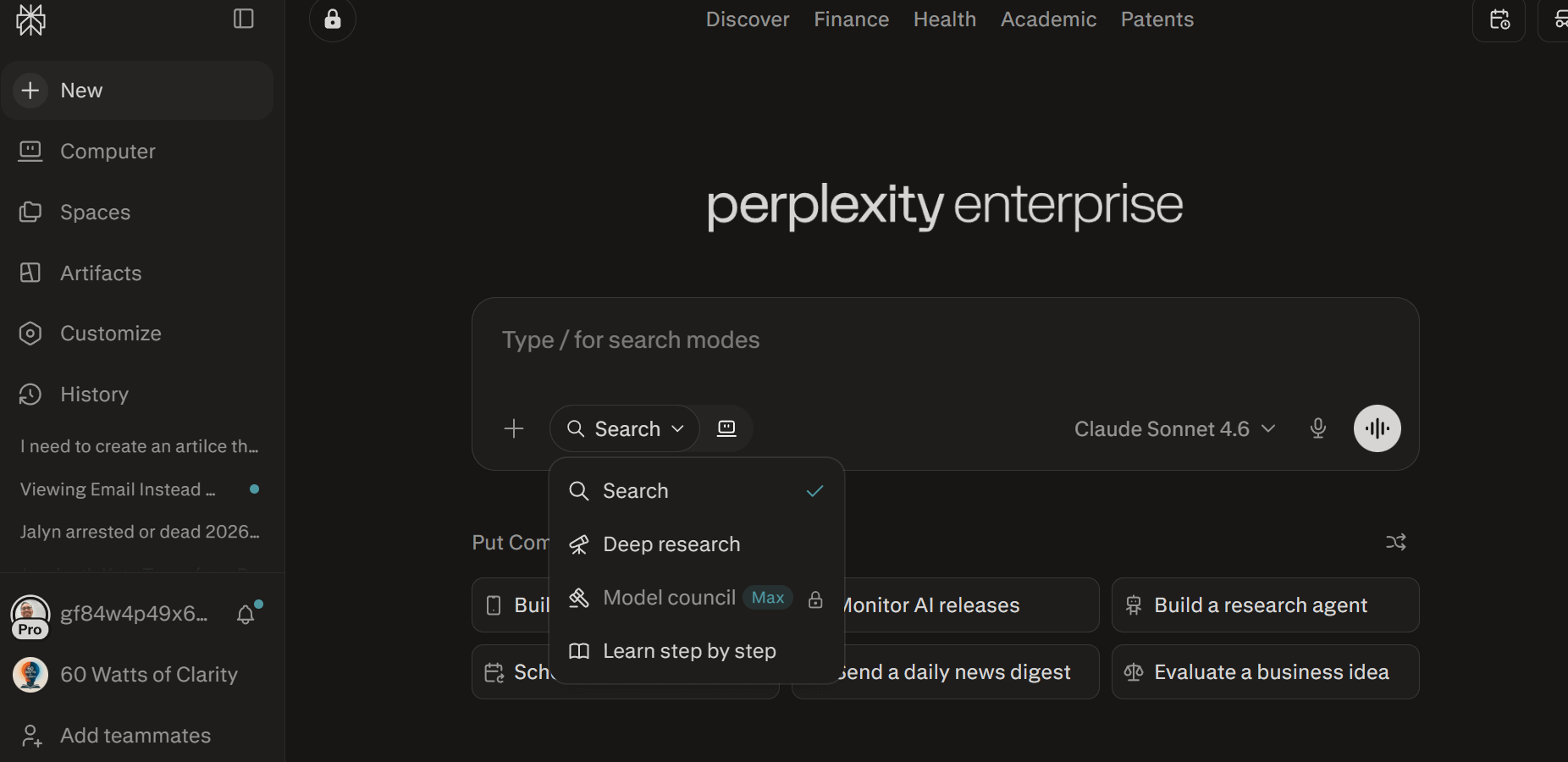
Perplexity’s Deep Research mode is designed for moments when a quick answer is not enough. It conducts multiple searches, reads across sources, and produces a detailed, synthesized report that is useful for literature reviews, background research, and evidence gathering. It is always worth reading the primary sources directly before drawing final conclusions or citing anything in professional work. While you are there check out learn step by step.
6. Create Apps and Artifacts with Labs
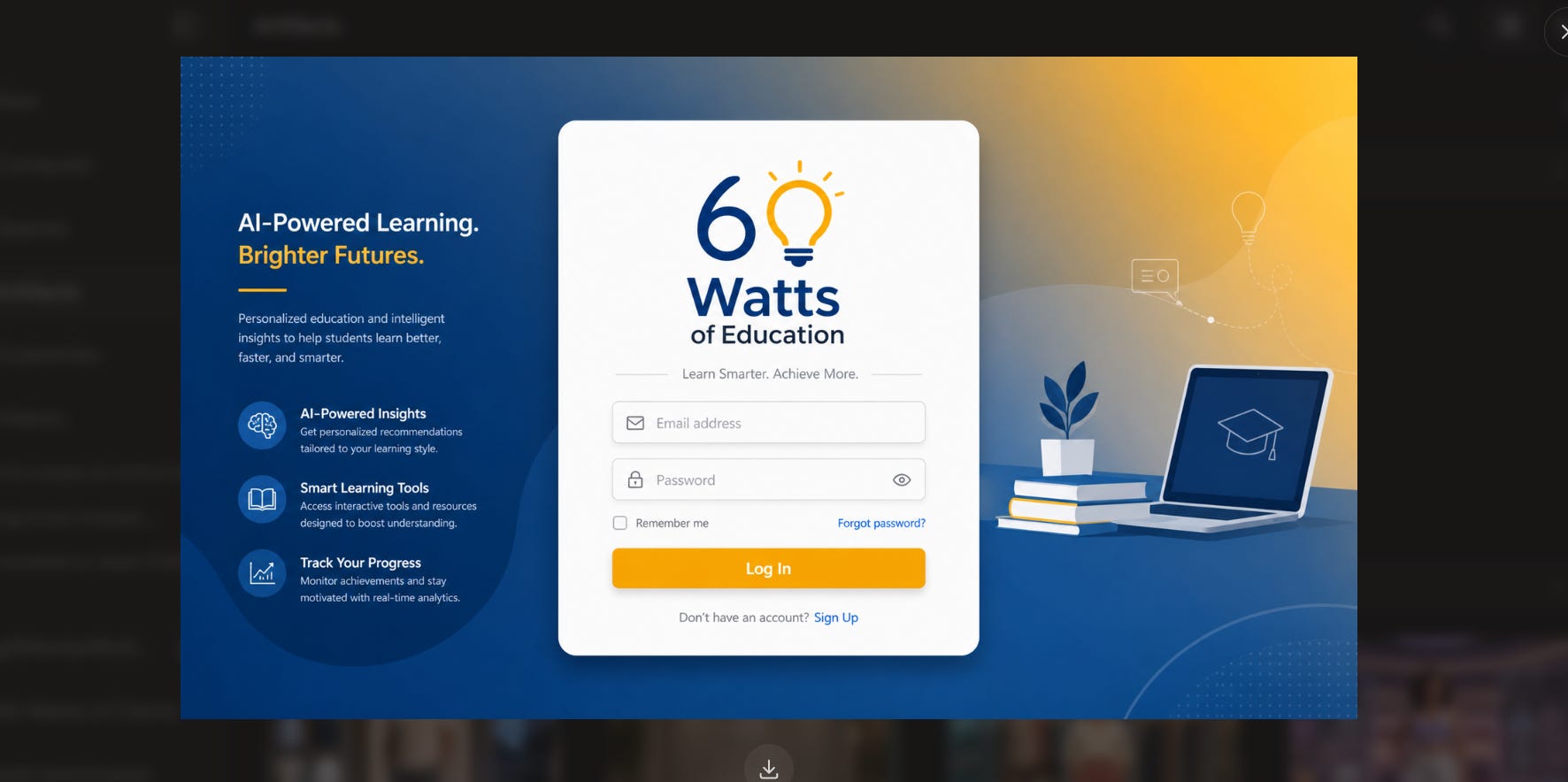
You can use Perplexity to help you build small apps. These apps wont be perfect, but you can use them personally. Here is a prototype I built for a upcoming 60 Watts of Education Platfor
7. Use Perplexity Computer
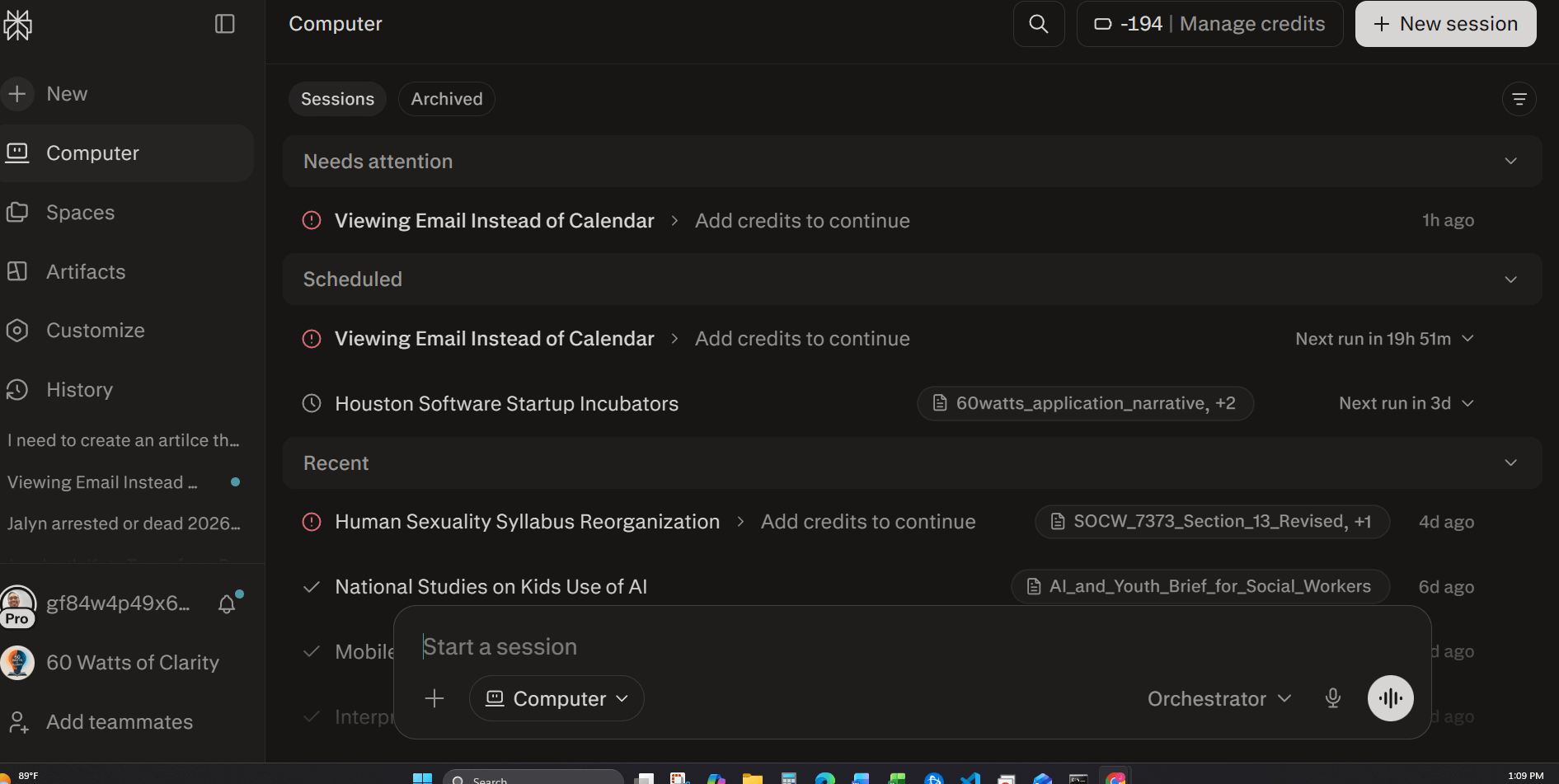
While standard Perplexity is excellent at answering questions, Perplexity Computer is an advanced feature that acts as an AI agent capable of executing multi-step workflows on your behalf. It operates as an agentic system, meaning it can take a high-level goal, break it down into a logical sequence of steps, and autonomously navigate the web, your files, and connected applications to complete the work. Instead of requiring you to guide the AI prompt by prompt, Perplexity Computer can run in the background to handle complex, ongoing projects from start to finish.
As you can see determine from my screen shot, I need to add credits.
Understanding Privacy and How Your Data Is Used
It is worth taking a few minutes to understand how Perplexity handles your data before you begin using it regularly. Free users can adjust data collection preferences in their account settings, though some usage data may be collected by default to improve the product. Pro users benefit from stronger privacy defaults that keep conversations out of model training pipelines. Enterprise users receive the highest level of protection, with a clear guarantee that organizational data is not used to train Perplexity’s models and with admin-level controls for teams.
Perplexity’s agreements with third-party model providers like OpenAI and Anthropic explicitly prohibit those providers from using your conversations to train their own models, and that applies across all plan tiers.
Where to Begin
Perplexity is free to try at perplexity.ai, and the Pro plan is available at $20 per month for users who want access to the full feature set.\
Stay informed,
Profe’
Thanks! That can be something to add early next week. I appreciate you! And, I think I'll move my spaces and create a small app that allows them to read it elsewhere. Thanks, again
It's worth noting that Perplexity is currently being sued for privacy issues and has a history of questionable ethical practices. Not exclusive to Perplexity, but good to be aware and share the full picture.
- https://arstechnica.com/tech-policy/2026/04/perplexitys-incognito-mode-is-a-sham-lawsuit-says/
- https://www.linkedin.com/pulse/perplexity-ai-under-fire-unethical-practices-diana-wolf-torres-fsfjc
- https://link.springer.com/article/10.1007/s43681-026-01174-4